
User guide
Configuration
The Configuration page displays all the current configuration settings for the device on one page.
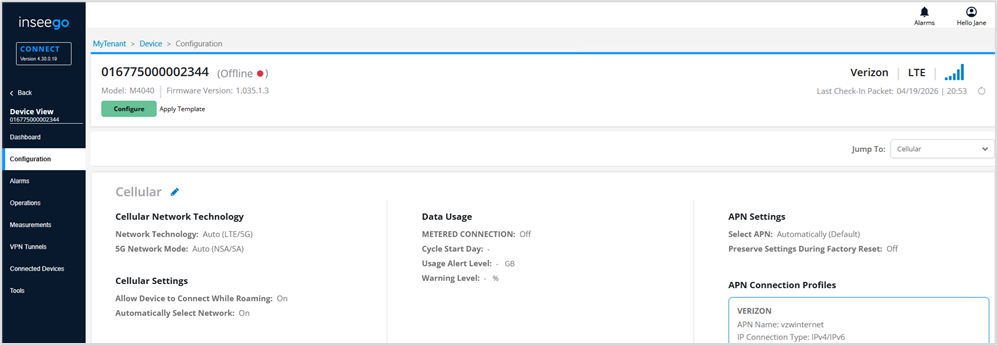
To make changes to the device configuration, either click the pencil icon  in a configuration topic, or use the commands along the top:
- Configure: Allows you to view and change settings on the device. Use the side menu in the dialog to navigate. When you make a change, a change icon appears on the side menu. A warning appears if you need to fix something. Make all your changes and select Save. See Configuring a device for more information.
- Apply Template: Allows you to apply a template created in Devices > Templates to the device. See Applying a template for more information.
TIPS
- You can scroll through all configuration settings or use the Jump To dropdown in the upper right to quickly navigate to a specific configuration.
- If the device belongs to a config group, use the Show dropdown to select configurations to view (All Configurations, Config Group Template, Overwritten on this Device, or This Device).