
User guide
Updating group firmware
You can update firmware on group devices.
1. Check the box next to the group name and click the Update Firmware button to check for a pending firmware update. The Update Firmware dialog appears:
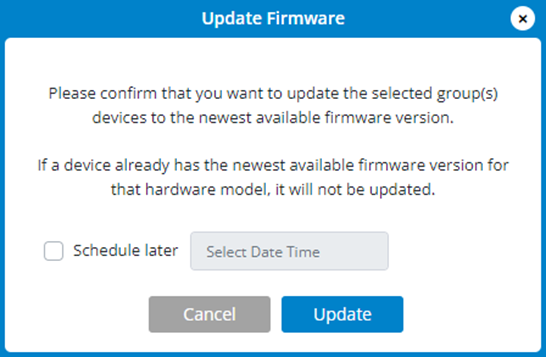
2. If there is a new firmware version, it is downloaded and applied.
3. Use Schedule later if you want to schedule the update for a later time.
4. Click Update.